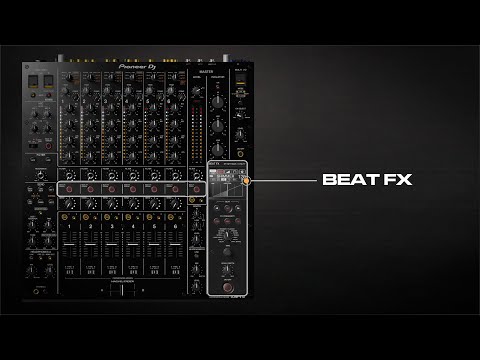
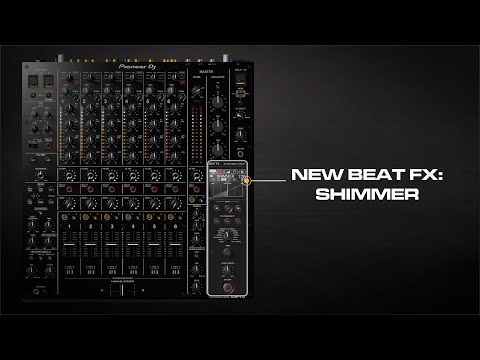
2/18/25 #15. How to adjust the touch display & indicator brightness | DJM-V10 6-ch pro mixer tutorial series Previous #14. How to switch fader curve settings | DJM-V10 6-channel professional mixer tutorial series Next The Pioneer DJ CDJ-3000 Masterclass You Might Also Like #8. How to use Beat FX | DJM-V10 6-channel professional mixer tutorial series #9. How to use the new Shimmer Beat FX | DJM-V10 6-channel professional mixer tutorial series #2. How to use 4-band EQ | DJM-V10 6-channel professional mixer tutorial series #14. How to switch fader curve settings | DJM-V10 6-channel professional mixer tutorial series #3. How to use the master isolator | DJM-V10 6-channel professional mixer tutorial series
2/18/25 #15. How to adjust the touch display & indicator brightness | DJM-V10 6-ch pro mixer tutorial series Previous #14. How to switch fader curve settings | DJM-V10 6-channel professional mixer tutorial series Next The Pioneer DJ CDJ-3000 Masterclass You Might Also Like #8. How to use Beat FX | DJM-V10 6-channel professional mixer tutorial series #9. How to use the new Shimmer Beat FX | DJM-V10 6-channel professional mixer tutorial series #2. How to use 4-band EQ | DJM-V10 6-channel professional mixer tutorial series #14. How to switch fader curve settings | DJM-V10 6-channel professional mixer tutorial series #3. How to use the master isolator | DJM-V10 6-channel professional mixer tutorial series